Channels
Teamspeak
 By
By OpenClaw channel plugin for TeamSpeak 3
Install
openclaw plugins install @honeybbq/openclaw-teamspeakConfiguration Example
{
  "teamspeak": {
    "server": "ts.example.com",
    "nickname": "OpenClaw Bot",
    "dmPolicy": "pairing",
    "tts": { "enabled": true, "replyMode": "both" },
    "stt": { "enabled": true }
  }
}
README
<div align="center">
# @honeybbq/openclaw-teamspeak
**OpenClaw channel plugin for TeamSpeak — text & voice chat via the native client protocol.**
**Compatible with TeamSpeak 3, 5 & 6.**
[](https://github.com/HoneyBBQ/openclaw-teamspeak/actions/workflows/ci.yml)
[](https://www.npmjs.com/package/@honeybbq/openclaw-teamspeak)
[](LICENSE)
</div>
## Gallery
| TeamSpeak Client | OpenClaw Plugin |
| :---------------------------------------------------------------------------------------------------------------------: | :---------------------------------------------------------------------------------------------------------------------: |
| 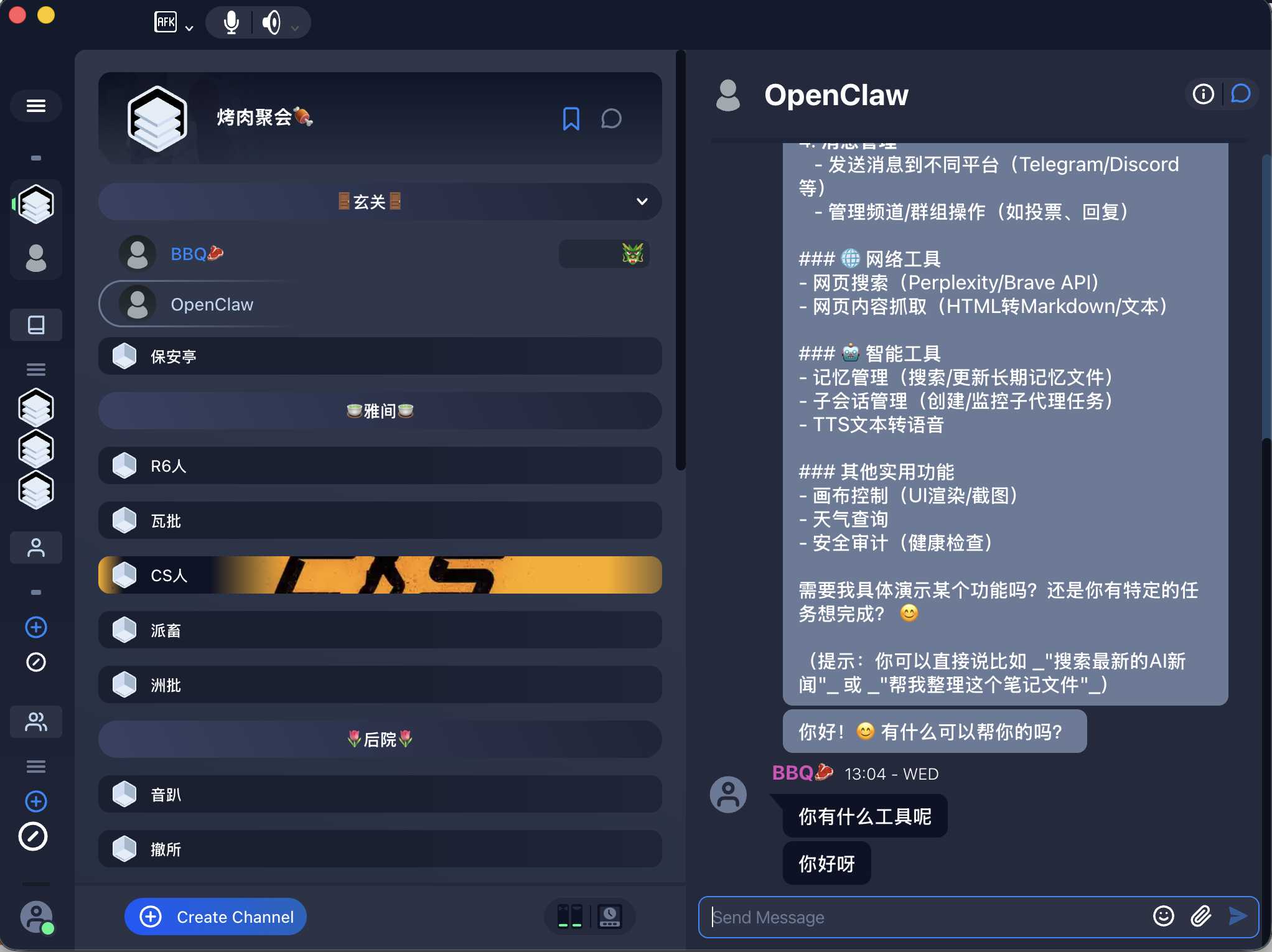 | 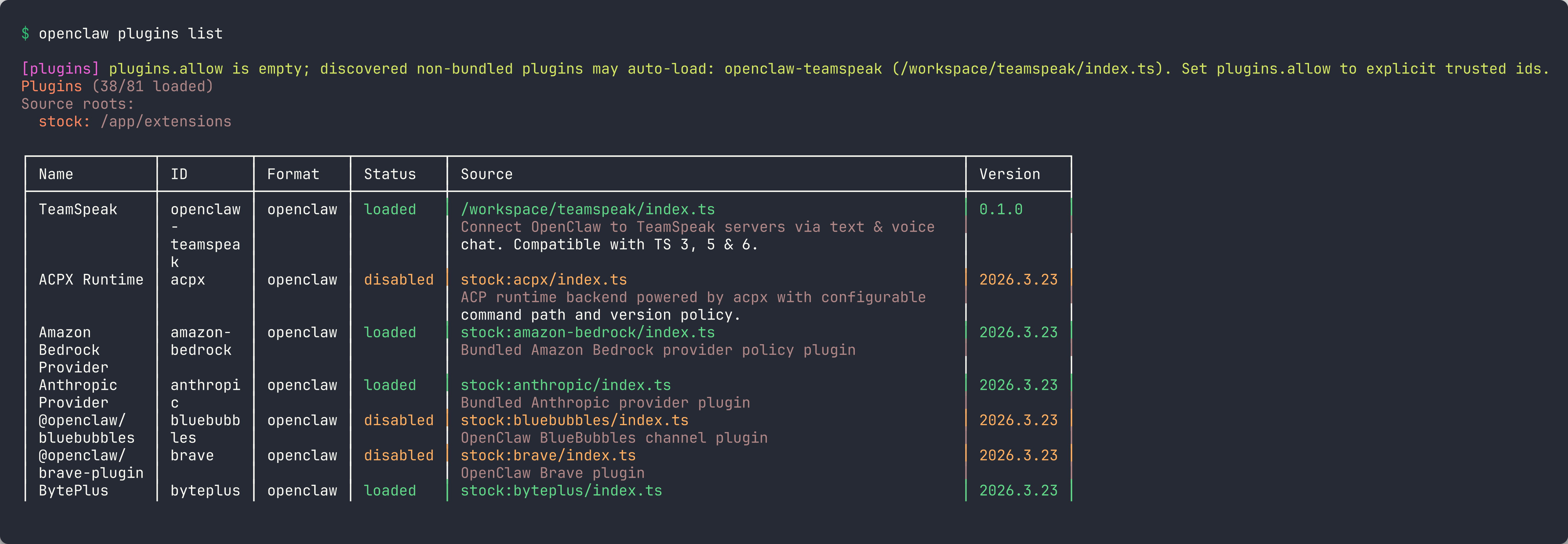 |
## Features
- **Text chat** — Bidirectional text messages between OpenClaw and TeamSpeak
- **Voice (TTS)** — Bot speaks replies into the TS3 channel via Opus
- **Voice (STT)** — Transcribe incoming TS3 voice and process as text messages
- **DM & channel modes** — Configurable access policies (pairing, allowlist, open)
- **Mention detection** — Regex-based mention patterns for channel messages
- **Per-channel overrides** — Fine-grained control per TS3 channel
- **Auto identity** — Generates and persists TS3 identities automatically
## Installation
```bash
openclaw plugins install @honeybbq/openclaw-teamspeak
```
## Configuration
Add to your OpenClaw config:
```json
{
"teamspeak": {
"server": "ts.example.com",
"nickname": "OpenClaw Bot",
"dmPolicy": "pairing",
"tts": { "enabled": true, "replyMode": "both" },
"stt": { "enabled": true }
}
}
```
See [`openclaw.plugin.json`](openclaw.plugin.json) for the full config schema.
## Roadmap
- [ ] **ServerQuery integration** — Give OpenClaw full server admin capabilities via TS3 ServerQuery: manage channels, kick/ban users, assign server groups, view stats — all through natural language
- [ ] **File transfers** — Bidirectional file sharing between OpenClaw conversations and the TS3 file browser
- [ ] **Multi-server support** — Connect to multiple TeamSpeak servers simultaneously from a single OpenClaw instance
## Related
- **[@honeybbq/teamspeak-client](https://github.com/HoneyBBQ/teamspeak-js)** — The underlying TeamSpeak 3 client protocol library
## Disclaimer
TeamSpeak is a registered trademark of [TeamSpeak Systems GmbH](https://teamspeak.com/). This project is not affiliated with, endorsed by, or associated with TeamSpeak Systems GmbH in any way.
## License
[MIT](LICENSE)
channels


Comments
Sign in to leave a comment